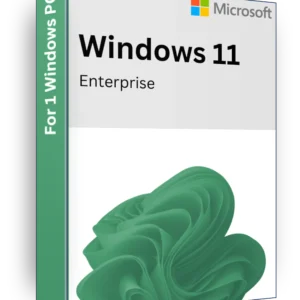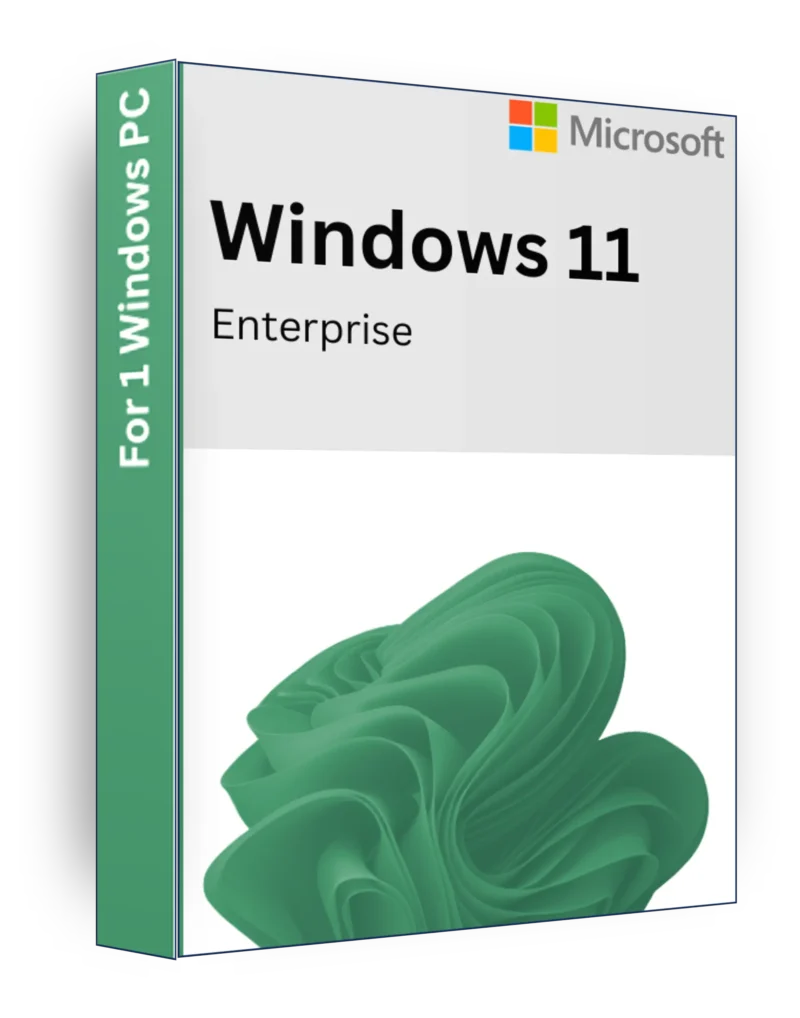
Windows 11 Enterprise Product Key Lifetime License

100% Geniune key
Fast Email delivery
Permanent activation & updates
Activation for 1 PC
Digital Key
Software Download Link
Multilingual
Can not be transfer to new device
Dont work on Windows 10/11 N

10

Category: Tag:

Windows 11 Enterprise – The Ultimate Business-Grade Operating System

Description

Windows 11 Enterprise is a powerful, secure, and scalable operating system designed for businesses, corporations, and IT professionals who require advanced security, remote management, and enterprise-level performance. With features tailored for large-scale deployment, Windows 11 Enterprise provides robust security, streamlined management, and flexible cloud integration to keep your organization productive and protected against modern cyber threats.

Key Features

Enterprise-Grade Security & Compliance – Includes Windows Defender Advanced Threat Protection (ATP), BitLocker encryption, and Zero Trust security framework.
Windows Autopilot & Cloud Deployment – Automate device setup and deployment with cloud-based IT management.
Long-Term Servicing Channel (LTSC) – Reduce update disruptions while maintaining security and stability.
Microsoft Defender for Endpoint – Enterprise-level security against ransomware, malware, and cyber threats.
Azure Active Directory & Group PolicySeamless identity and access management for IT admins.
Windows Virtual Desktop & Remote Work – Manage workstations remotely with built-in Remote Desktop Services (RDS).
Windows Sandbox & Hyper-V – Run applications and virtual machines in an isolated, secure environment.
DirectAccess & Always-On VPNSecure remote connections for employees working outside the office.
Enterprise Mode for Legacy Apps – Ensures compatibility with older business applications.
Advanced Device & Application Control – Enforce security policies and control device access across the organization.
Windows Update for BusinessControl updates and deployment policies to avoid downtime.

Minimal System Requirements

  • Processor: 1 GHz or faster with 2+ cores on a compatible 64-bit processor or System on a Chip (SoC)
  • RAM: 4 GB (minimum)
  • Storage: 64 GB (minimum free space)
  • Graphics: DirectX 12 compatible with WDDM 2.0 driver
  • Display: 720p resolution, 9″ or larger screen
  • TPM: Trusted Platform Module (TPM) version 2.0 required
  • Secure Boot & UEFI Firmware: Required for advanced security
  • Internet Connection: Required for activation, updates, and Microsoft cloud services

Why Choose Windows 11 Enterprise?

🔹 Designed for Large Businesses & IT Professionals – Enterprise-level security, management, and scalability.
🔹 Best-in-Class Security – Protects sensitive business data with BitLocker, Secure Boot, and Advanced Threat Protection.
🔹 Cloud & Hybrid Work Optimization – Full integration with Microsoft 365, Azure, and cloud-based IT management.
🔹 Flexible & Scalable Deployment – Easily deploy and manage multiple devices with Autopilot & Group Policy.
🔹 Built for the FutureEnterprise-grade security, compliance, and remote work capabilities.

Upgrade to Windows 11 Enterprise for the most secure, efficient, and scalable business computing experience! 🏢🔒🚀

Reviews

There are no reviews yet.

Be the first to review “Windows 11 Enterprise Product Key Lifetime License”

Your email address will not be published. Required fields are marked *

How to Install & Activate Windows 11 Enterprise

Windows 11 Enterprise is built for businesses and professionals who need advanced security, management, and productivity features. Follow this step-by-step guide to install and activate Windows 11 Enterprise properly.


1️⃣ How to Install Windows 11 Enterprise

Step 1: Download Windows 11 Enterprise

  1. Click the link below to download the official Windows 11 Enterprise ISO:
    🔗 Download Windows 11 Enterprise ISO
  2. Save the ISO file to your computer.

Step 2: Create a Bootable USB Drive

To install Windows 11 Enterprise, you need a bootable USB drive (at least 8GB).

  1. Insert a USB flash drive into your PC.
  2. Use Rufus or the Windows Media Creation Tool to create a bootable USB:
    • Open Rufus
    • Select your USB drive
    • Choose the Windows 11 Enterprise ISO
    • Click Start and wait for it to complete

Step 3: Install Windows 11 Enterprise

  1. Boot from the USB drive:
    • Restart your PC and press F2 / F12 / DEL (depends on your motherboard) to enter the Boot Menu.
    • Select USB drive as the boot device.
  2. Follow the installation steps:
    • Choose Windows 11 Enterprise from the list of editions.
    • Accept the license agreement.
    • Choose Custom: Install Windows Only for a fresh installation.
  3. Wait for the installation to complete and set up your Administrator account.

2️⃣ How to Activate Windows 11 Enterprise

Step 1: Check Activation Status

  1. Open Settings → Press Win + I
  2. Go to System → Click Activation
  3. Check the Activation Status:
    • "Windows is activated" → No action needed ✅
    • "Windows is not activated" → Proceed to activation 🔑

Step 2: Activate Windows 11 Enterprise with a Product Key

  1. Open SettingsSystem → Activation.
  2. Click Change Product Key.
  3. Enter your 25-character product key (XXXXX-XXXXX-XXXXX-XXXXX-XXXXX).
  4. Click NextActivate.

Step 3: Activate Using CMD (If Needed)

If you have a valid Windows 11 Enterprise key, you can activate it via Command Prompt:

  1. Open Command Prompt as Administrator → Press Win + S, type CMD, right-click, and select Run as Administrator.
  2. Type the following command to install your product key and press Enter: slmgr /ipk YOUR-PRODUCT-KEY
  3. Accept the EULA (End User License Agreement) by running: slmgr /ato
  4. Restart your PC and check the Activation Status again.

Additional Tips

🔹 Ensure You Use the Correct Edition Key – A Windows 11 Enterprise key will ONLY activate Windows 11 Enterprise.
🔹 No Product Key? – Windows 11 Enterprise can be installed in evaluation mode (90 days) before requiring activation.
🔹 Troubleshooting Activation Issues – Run the Activation Troubleshooter in Settings → System → Activation.


Now you have Windows 11 Enterprise installed and activated! 🎉🚀

Safe Payment
Checkout via PayPal, debit/credit card
Fast Deliver
Automated order deliver via email
Exclusive Discounts
Activation keys at Unbeatable Prices
24/7 Support
Our customers can always contact us.

Recieve important updates

Subscribe for exclusive discounts
Windows 11 Enterprise Product Key Lifetime License

10

Buy product